
Creating a productive home office space is essential for anyone working remotely or managing tasks from home. Having a dedicated, well-organized, and comfortable workspace can improve focus, reduce stress, and increase overall efficiency. Whether you have a small corner or an entire room to dedicate to your home office, these tips will help you design a functional and inspiring environment.
Why a Dedicated Home Office Matters
Working in a space separate from your living and relaxing areas helps set clear boundaries between work and personal time. It can improve your ability to concentrate and maintain a routine. Plus, a well-designed workspace reflects professionalism, even if you’re not meeting clients face to face.
Choose the Right Location
Find a Quiet Spot
Try to select a space with minimal distractions and noise. If you have a spare room, that’s ideal. If not, a quiet corner in the living room or bedroom can work, too.
Consider Natural Light
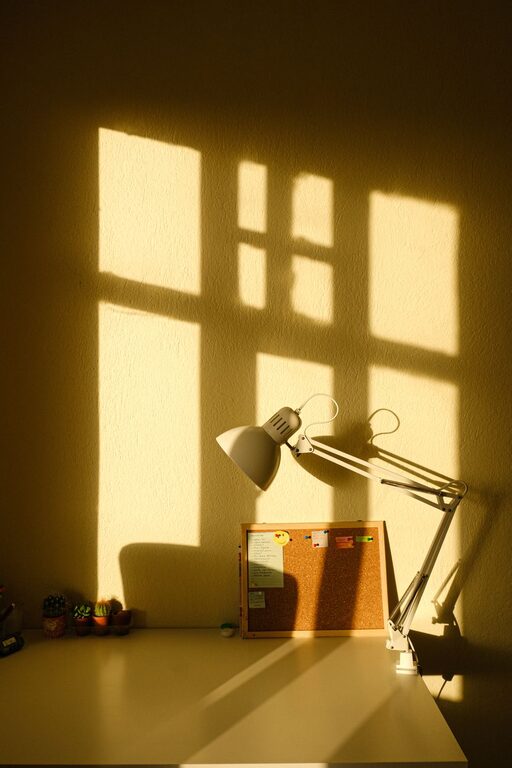
Place your desk near a window if possible. Natural light boosts mood and energy and reduces eye strain. Just be mindful of glare on your computer screen.
Invest in Comfortable and Ergonomic Furniture
Choose an Adjustable Chair
A chair that supports your back and encourages good posture is one of the most important elements in your home office. Look for adjustable height, lumbar support, and comfortable cushioning.
Use a Suitable Desk
Depending on your tasks, pick a desk that suits your technology and storage needs. It should have enough surface area for your computer, documents, and other essentials without feeling cluttered.
Consider Standing Desks
If you prefer, standing desks or adjustable desks that switch between sitting and standing can add flexibility and promote better circulation.
Organize for Efficiency
Declutter Regularly
Keep your desk clear of unnecessary items. A clutter-free space invites better focus and creativity.
Use Storage Solutions
Shelves, drawers, and organizers help keep supplies, papers, and electronics neatly stored yet accessible.
Set Up Cable Management
Tidy cables prevent tangles and accidental disconnections. Use clips, ties, or boxes to keep cords organized.
Optimize Lighting and Ambiance
Use Multiple Light Sources
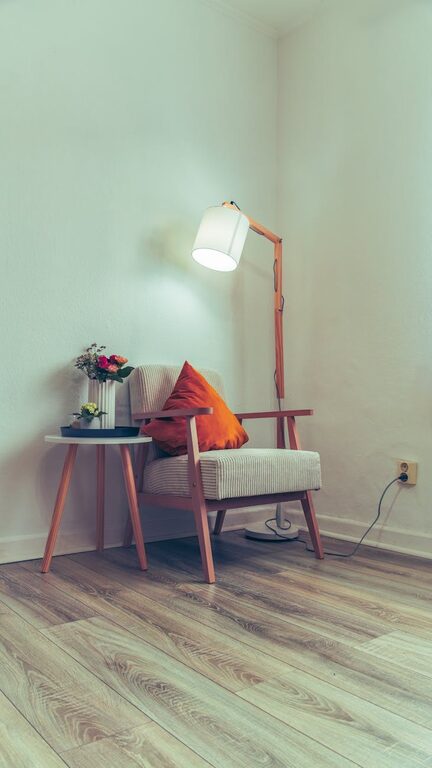
Combine natural light with task lighting such as desk lamps and overhead lights. This layered lighting reduces eye strain and keeps you alert.
Add Personal Touches
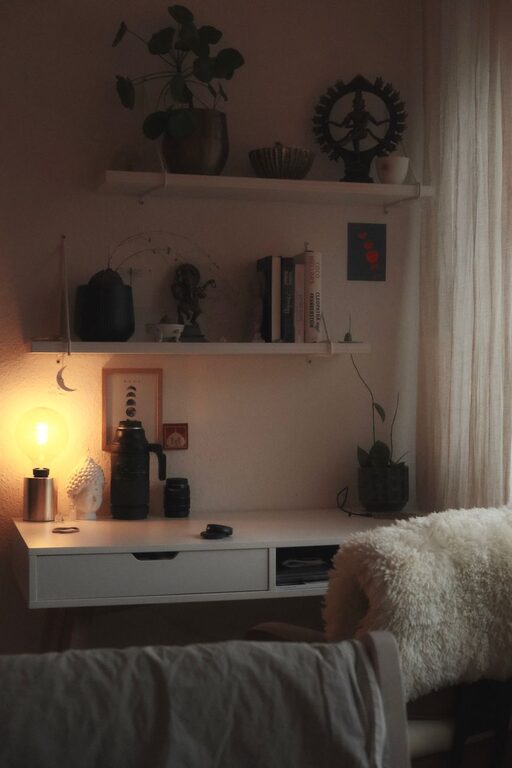
Add a few items that make your workspace inviting, such as plants, photos, or artwork. Keep it minimal to avoid distractions.
Equip Your Workspace with the Right Tools
Reliable Technology
Ensure your computer, internet connection, and other tech tools meet your work needs to avoid interruptions.
Use a Quality Keyboard and Mouse
Ergonomic input devices can prevent strain and improve comfort during long hours.
Invest in Noise-Cancelling Headphones
If background noise is an issue, headphones can help you stay focused during calls and deep work sessions.
Establish Boundaries and Routines
Set Office Hours
Having clear work hours helps separate professional time from personal life, boosting productivity and well-being.
Communicate Your Schedule
If you share your home, let others know your work hours to minimize interruptions.
Take Breaks and Move
Regular breaks improve focus and reduce fatigue. Stand, stretch, or take a short walk to refresh your mind.
Final Thoughts
Designing a productive home office is about creating a space that supports your best work while fitting your lifestyle and available space. Prioritize comfort, organization, and a positive atmosphere to make working from home both effective and enjoyable. With these tips, you can build a home office that helps you stay motivated and achieve your goals every day.
About the Author