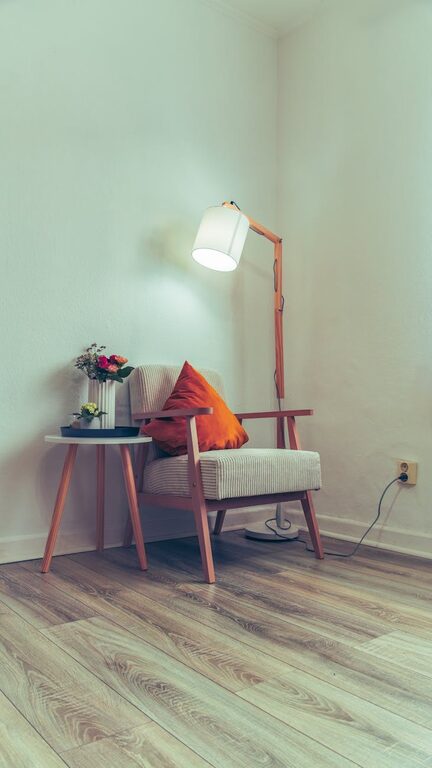
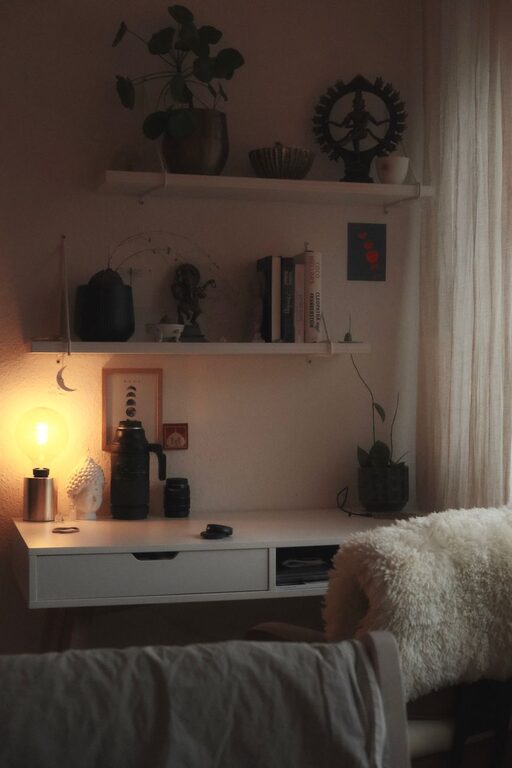
Creating a cozy and functional home workspace is essential for anyone working remotely or spending significant time at home on projects. A well-designed setup can improve focus, reduce stress, and make your workday more enjoyable. Whether you have a dedicated room or just a small corner, these tips will help you craft a space that feels inviting and supports your productivity.
Choose the Right Location
Start by selecting a spot in your home that suits your work habits. Ideally, this area should:
– Be quiet and away from household distractions
– Have access to natural light for a refreshing atmosphere
– Offer enough space for your work essentials
If you don’t have a separate room, consider a corner in the living room or bedroom that can be dedicated to work. Using room dividers or curtains can help create a sense of separation.
Invest in a Comfortable Desk and Chair
Your desk and chair are the backbone of your workspace. Choose ergonomic furniture that supports good posture and comfort:
– A desk with enough surface area for your computer, notebooks, and other tools
– An adjustable, cushioned chair that supports your back and encourages good seating habits
– Consider a sit-stand desk or an adjustable desk converter to alternate positions during the day
Comfort reduces fatigue and helps maintain focus for longer periods.
Optimize Lighting
Good lighting is vital to prevent eye strain and create a welcoming environment:
– Position your desk near a window to take advantage of natural light.
– Use soft, warm artificial lights to avoid harsh glare.
– Add a task lamp with adjustable brightness for focused work during evenings or cloudy days.
Lighting that matches your needs makes a big difference in your comfort.
Organize Your Space Efficiently
Clutter can be distracting, so keep your workspace tidy:
– Use shelves, drawers, or organizers to store supplies and documents.
– Keep only daily essentials on your desk.
– Cable management tools like clips or sleeves help keep cords neat.
A clean and orderly area promotes calmness and efficiency.
Personalize Thoughtfully
Adding personal touches can make your workspace feel cozy and motivating:
– Incorporate a few decorative items like plants, photos, or artwork.
– Choose calming colors like soft blues, greens, or neutral tones.
– Use a comfortable rug or cushions for warmth and texture.
Balance personalization with practicality to maintain focus.
Manage Noise Levels
If your home is noisy, there are ways to minimize distractions:
– Use noise-canceling headphones or headphones with music that helps concentration.
– Add soft fabrics and rugs to absorb sound.
– Consider white noise machines or apps if background sound is distracting.
Creating a peaceful auditory environment supports concentration.
Set Boundaries and Routine
Your workspace should help separate work from home life, especially in shared spaces:
– Define clear working hours and stick to them.
– Use visual signals like closing a door or a “do not disturb” sign when working.
– Take regular breaks to stretch, hydrate, and relax your eyes.
Clear boundaries improve your work-life balance and mental well-being.
Keep Technology User-Friendly
Ensure your workspace supports your workflow with reliable technology:
– Use a fast and stable internet connection.
– Have necessary peripherals like a good keyboard, mouse, and webcam.
– Keep your devices charged and software up to date.
A smooth tech setup reduces frustrations and keeps tasks on track.
Maintain Good Air Quality and Temperature
Comfort is also about the air you breathe and room temperature:
– Open windows regularly to let fresh air in.
– Invest in an air purifier if needed.
– Use fans, heaters, or humidifiers to keep the temperature comfortable year-round.
Physical comfort helps maintain productivity and happiness.
—
By combining comfort, function, and personal style, you can create a home workspace that supports both your professional needs and your well-being. Start small, focus on what makes you feel good and productive, and adjust as you go. Your ideal home workspace is within reach!
About the Author