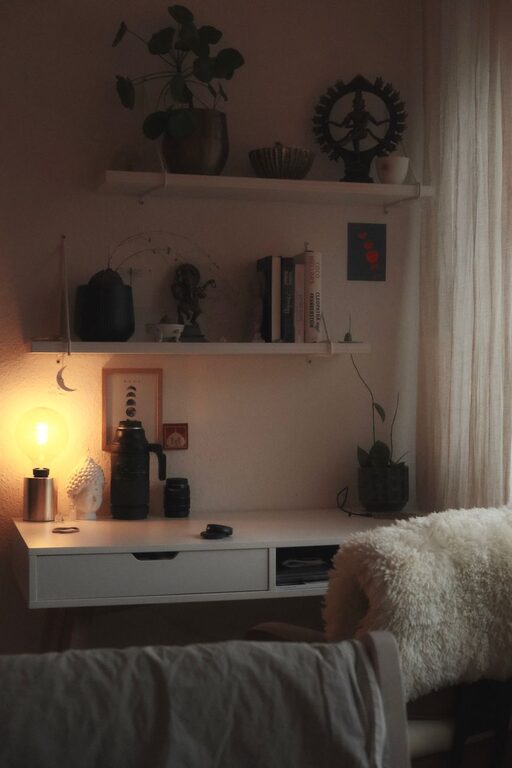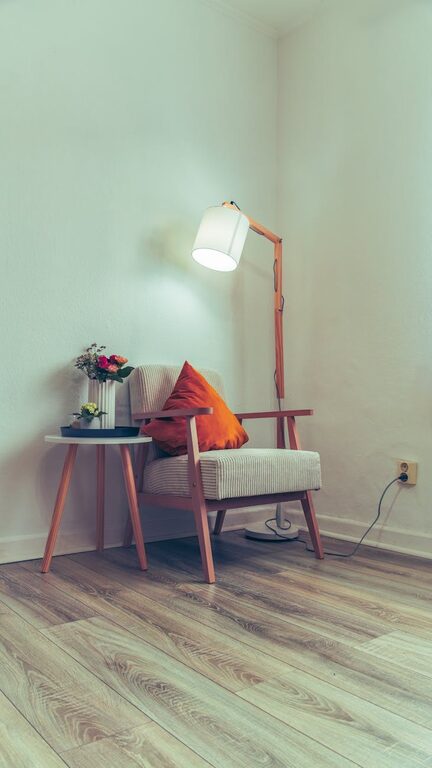

Creating a relaxing home workspace is essential for anyone working remotely or spending long hours at a desk. A well-designed area can improve focus, reduce stress, and make your workday more enjoyable. Whether you have a dedicated room or just a small corner, these tips will help you craft a productive and comfortable environment.
Why a Relaxing Workspace Matters
Your work environment influences your mindset and efficiency. A cluttered, noisy, or uncomfortable space can lead to distractions and burnout. Conversely, a calming workspace encourages concentration, creativity, and a better work-life balance.
—
1. Choose the Right Location
Selecting the right spot in your home is the first step. Ideally, pick an area with:
– Natural light: Sunlight helps regulate your sleep cycle and enhances mood.
– Minimal noise: Find a quiet corner to avoid distractions or consider noise-cancelling headphones.
– Space: Enough room for your desk, equipment, and some movement.
If you don’t have a separate room, carve out a dedicated zone in your living area or bedroom using room dividers or furniture arrangement.
2. Invest in Comfortable Furniture
Comfort is key when spending hours working. Consider these furniture tips:
– Ergonomic chair: An adjustable chair with good lumbar support reduces back and neck strain.
– Appropriate desk height: Your desk should allow your elbows to rest at 90 degrees when typing.
– Footrest: Supports your legs and can improve posture.
Proper furniture reduces discomfort and prevents long-term health issues.
3. Optimize Lighting
Good lighting reduces eye strain and fatigue. Here’s how to optimize it:
– Use natural light as much as possible.
– Add a desk lamp with adjustable brightness and color temperature.
– Avoid glare on your computer screen by positioning your desk perpendicular to windows.
Balanced lighting boosts energy and alertness.
4. Declutter Your Space
A tidy workspace clears your mental space too. Tips to declutter:
– Keep only essentials on your desk.
– Use storage solutions like shelves, drawers, or organizers.
– Regularly tidy up and discard things you no longer need.
A clutter-free area reduces distractions and makes it easier to focus.
5. Personalize with Calming Elements
Adding personal touches can make your workspace more inviting and relaxing:
– Plants: Indoor plants improve air quality and add a sense of calm.
– Artwork: Choose soothing images or colors that inspire you.
– Soft textiles: A comfy chair cushion or small rug adds warmth and texture.
Just maintain balance to avoid over-decorating and creating visual clutter.
6. Manage Cables and Tech Setup
A neat tech setup improves both aesthetics and functionality:
– Use cable organizers or clips to keep cords tidy.
– Position your monitor at eye level to avoid neck strain.
– Ensure your keyboard and mouse are ergonomic.
– Keep backup chargers and accessories nearby but out of immediate sight.
A clean setup supports comfort and reduces frustration.
7. Control Temperature and Air Quality
Your comfort depends on air quality and temperature:
– Use a fan or heater to keep the temperature comfortable.
– Open windows when possible for fresh air.
– Consider an air purifier if your space is prone to dust or allergens.
A pleasant environment supports concentration and wellbeing.
8. Incorporate Break-Friendly Features
Taking breaks is vital for sustained productivity:
– Keep a water bottle nearby to stay hydrated.
– Have a small area or chair to stretch or rest briefly.
– Use timers or apps to remind you to stand or move regularly.
Built-in cues help you balance work and rest.
9. Set Boundaries with Household Members
Communicating your workspace needs helps maintain focus:
– Inform family or roommates when you’re working.
– Use signals like a closed door or headphones to indicate ‘do not disturb.’
Clear boundaries reduce interruptions.
—
Final Thoughts
A relaxing home workspace is a blend of comfort, organization, and personalization. By thoughtfully designing your area, you support both your productivity and well-being. Start with small changes and adjust your space over time as you discover what best helps you focus and feel at ease.
Remember, your workspace should work for you — making your workday smoother, more comfortable, and more enjoyable.
About the Author